
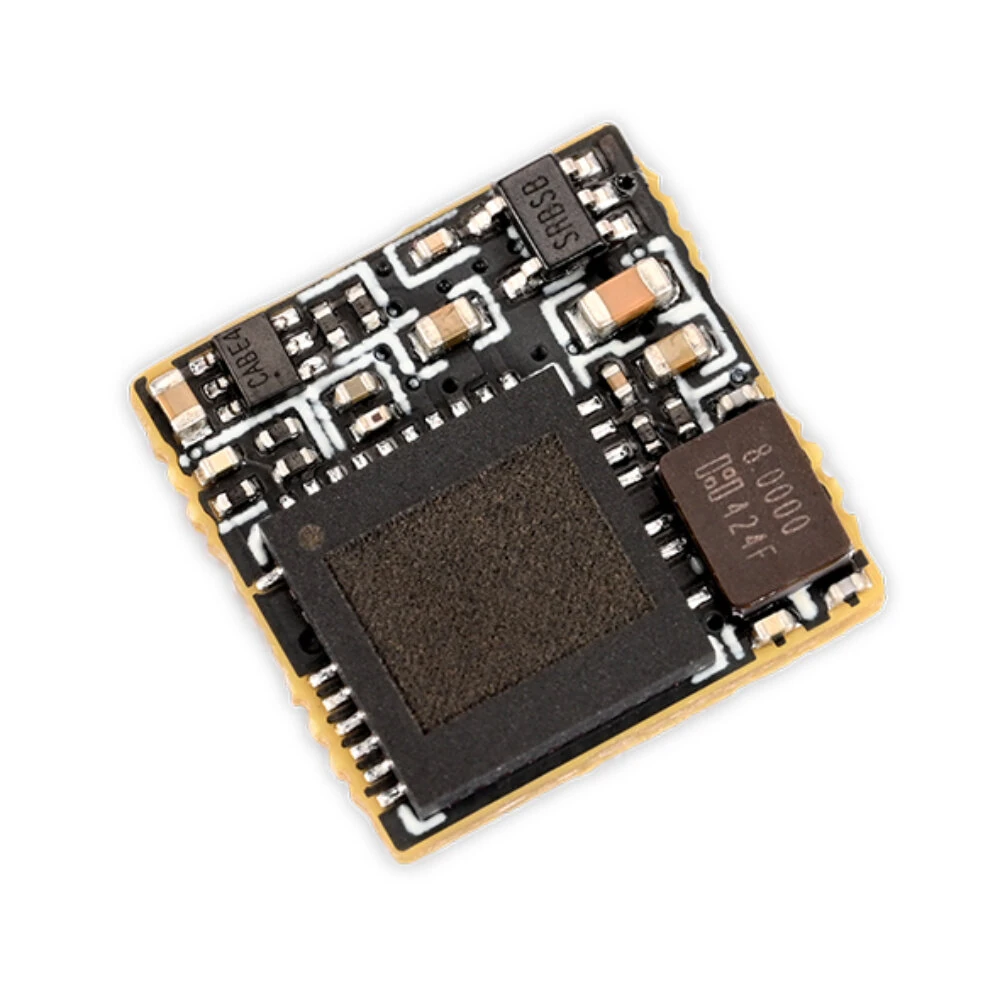
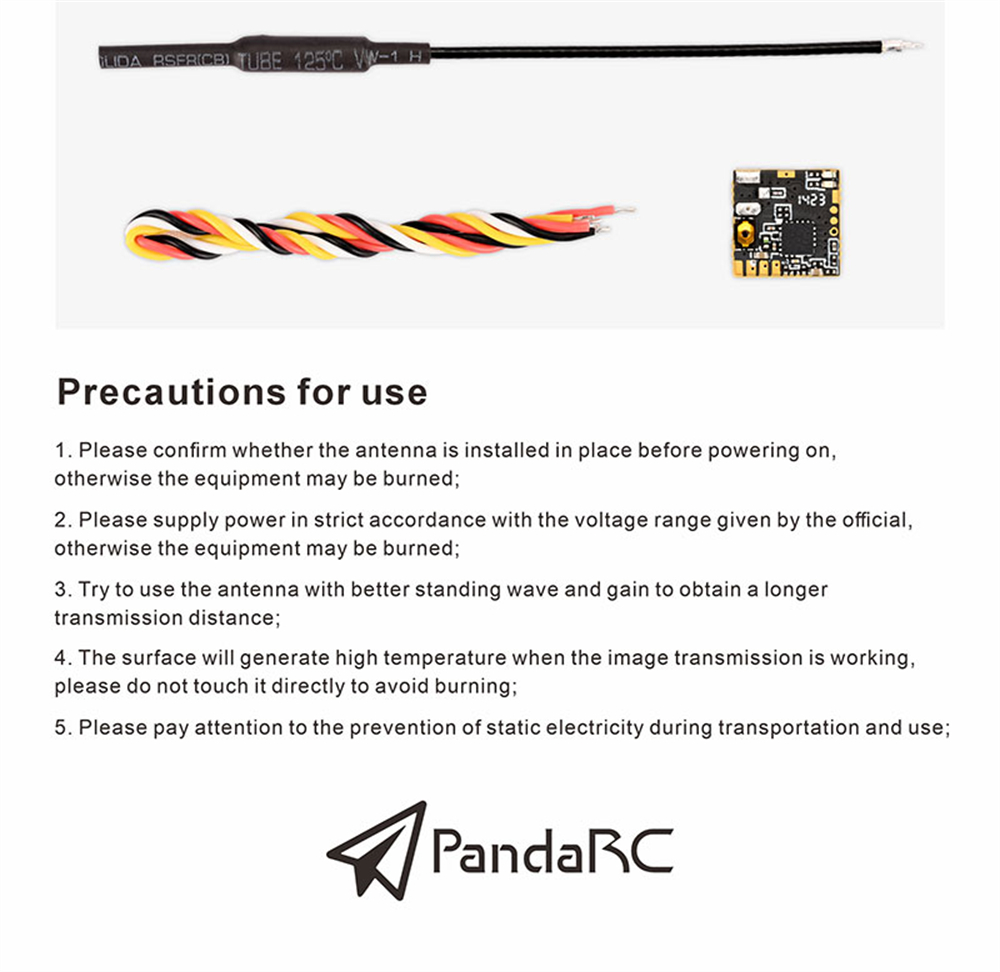
Precautions for use
1. Please confirm whether the antenna is installed in place before powering on, otherwise the equipment may be burned;2. Please supply power in strict accordance with the voltage range given by the official, otherwise the equipment may be burned;3. Try to use the antenna with better standing wave and gain to obtain a longer transmission distance;4. The surface will generate high temperature when the image transmission is working, please do not touch it directly to avoid burning;
5. Please pay attention to the prevention of static electricity during transportation and use;
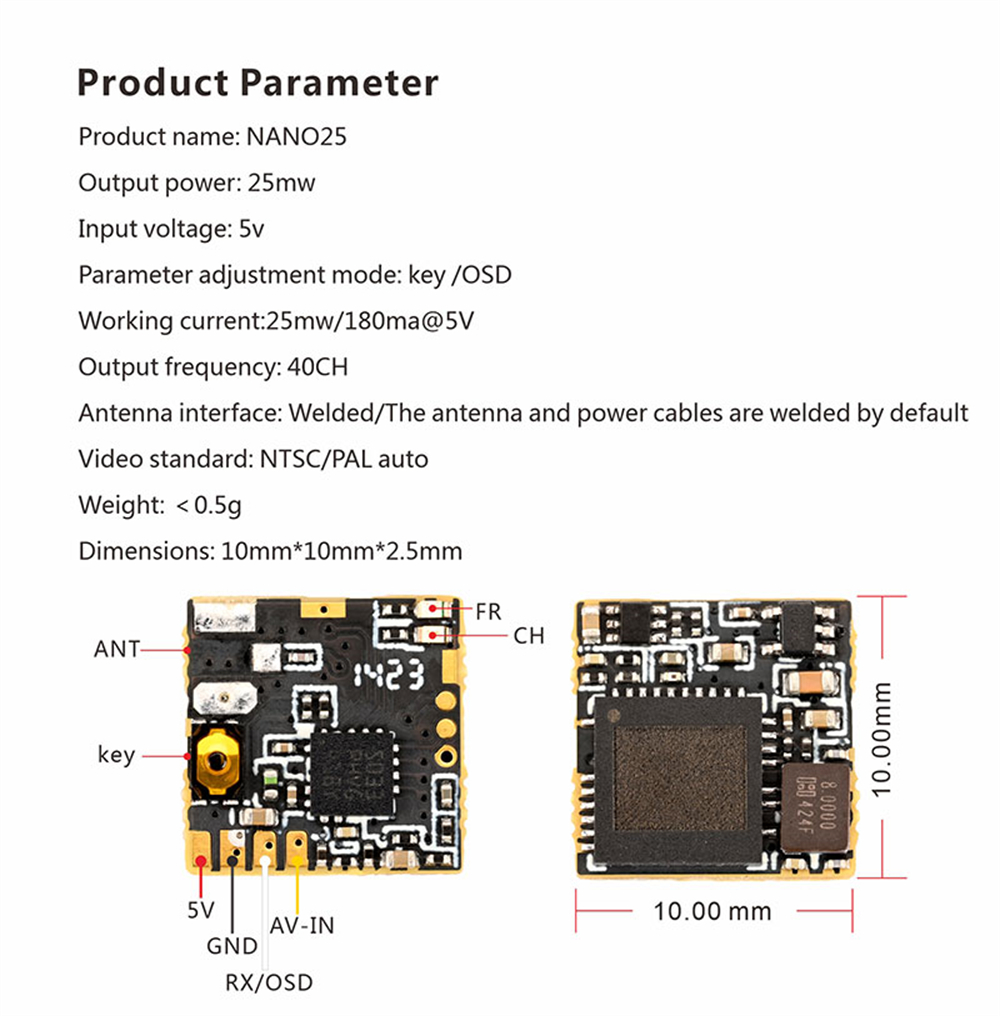
Specification:
| Brand: | PandaRC |
| Product name: | NANO25 |
| Output power: | 25mW |
| Input voltage: | 5V |
| Interface Type | IPEX |
| Parameter adjustment mode: | key /OSD |
| Working current: | 25mw/180ma@5V |
| Output frequency: | 40CH |
| Antenna interface: | Welded/ The antenna and power cables are welded by default |
| Video standard: | NTSC/PAL auto |
| Weight: | < 0.5g |
| Dimensions: | 10mm*10mm*2.5mm |
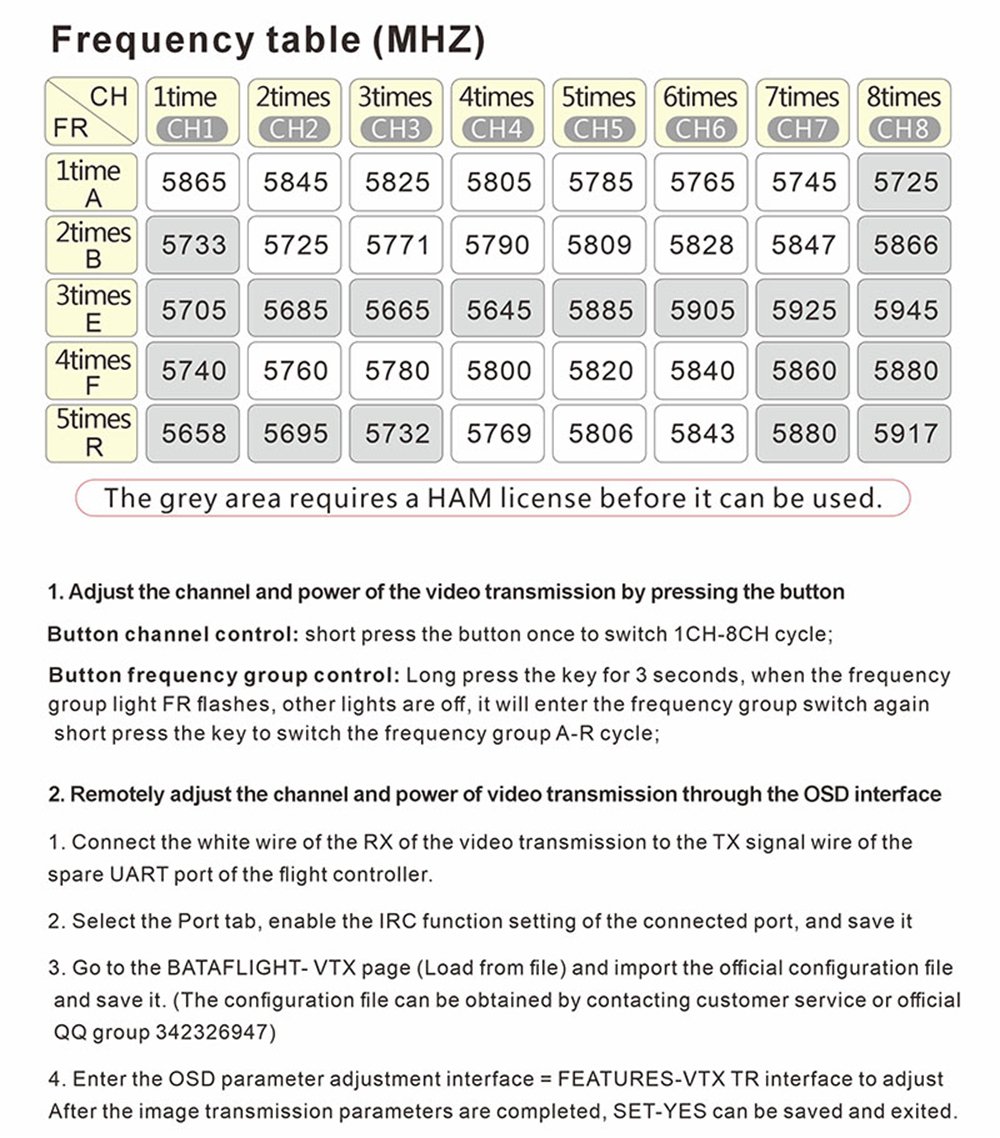
Frequency table (MHZ)
| CH/FR | 1time CH1 |
2times CH2 |
3 times CH3 |
4times CH4 |
5times CH5 |
6times CH6 |
7 times CH7 |
8times CH8 |
| 1time A | 5865 | 5845 | 5825 | 5805 | 5785 | 5765 | 5745 | 5725 |
| 2times B | 5733 | 5725 | 5771 | 5790 | 5809 | 5828 | 5847 | 5866 |
| 3times E | 5705 | 5685 | 5665 | 5645 | 5885 | 5905 | 5925 | 5945 |
| 4times F | 5740 | 5760 | 5780 | 5800 | 5820 | 5840 | 5860 | 5880 |
| 5times R | 5658 | 5695 | 5732 | 5769 | 5806 | 5843 | 5880 | 5917 |
The grey area requires a HAM license before it can be used.1. Adjust the channel and power of the video transmission by pressing the buttonButton channel control: short press the button once to switch 1CH-8CH cycle;Button frequency group control: Long press the key for 3 seconds, when the frequency group light FR flashes, other lights are off, it will enter the frequency group switch again short press the key to switch the frequency group A-R cycle;2. Remotely adjust the channel and power of video transmission through the OSD interface1. Connect the white wire of the RX of the video transmission to the TX signal wire of the spare UART port of the flight controller.2. Select the Port tab, enable the IRC function setting of the connected port, and save it3. Go to the BATAFLIGHT- VTX page (Load from file) and import the official configuration file and save it. (The configuration file can be obtained by contacting customer service
4. Enter the OSD parameter adjustment interface = FEATURES-VTX TR interface to adjust After the image transmission parameters are completed, SET-YES can be saved and exited.
Package included:
1 x NANO25 VTX

Reviews
There are no reviews yet.